Microsoft 365 Copilot Services
Discover the benefits of utilising Microsoft’s innovative AI solution
Activate Microsoft’s AI-Powered Efficiency Suite With Akita
Successful organisations are constantly on the hunt for tools that can streamline operations and help teams work more effectively.
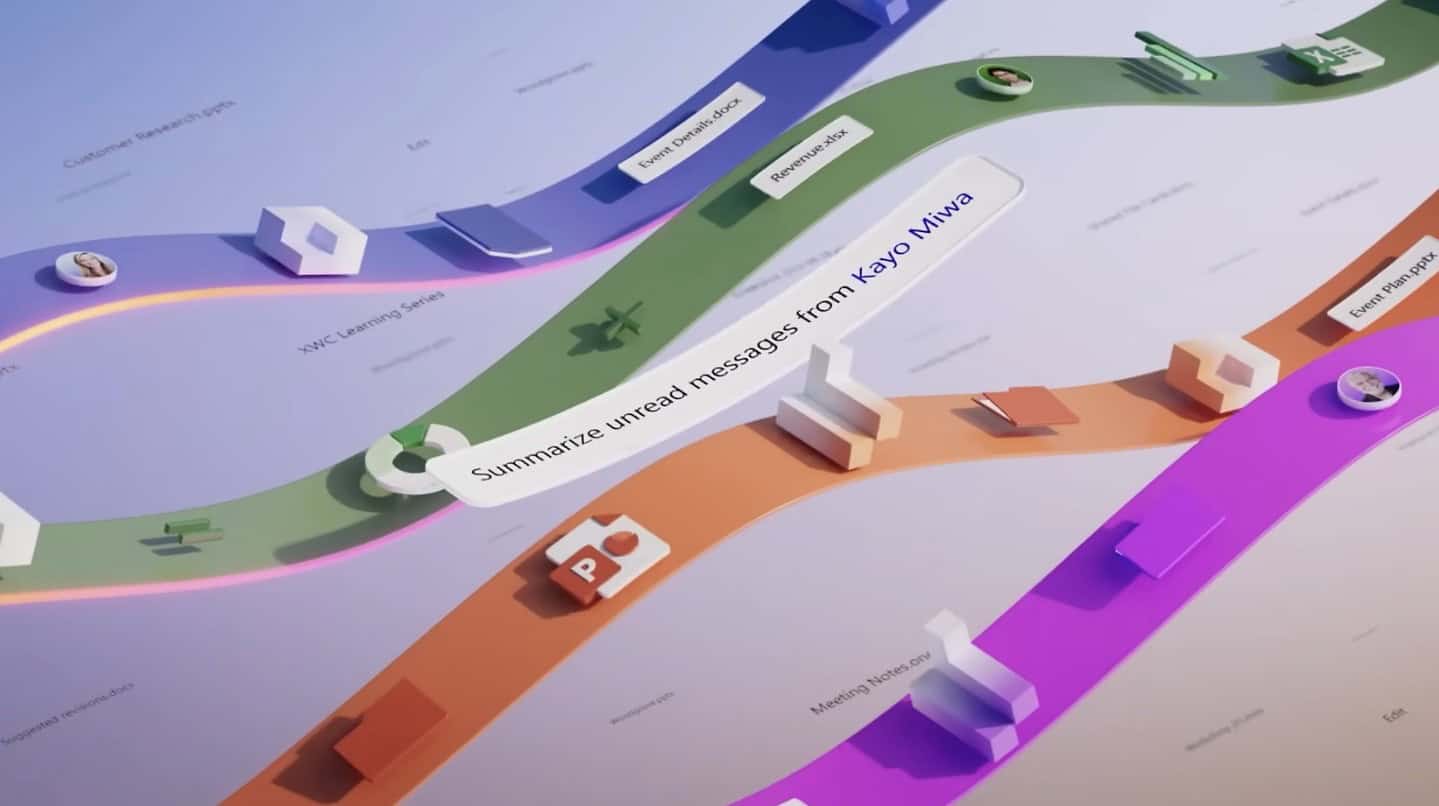
Microsoft 365 Copilot is a game-changer in this regard, leveraging the power of generative AI to serve as a virtual assistant across various Microsoft applications.
From helping with data analysis in Excel to assisting in crafting emails in Outlook, Copilot is designed to boost your productivity and deliver seamless experiences.
Find out more about how Microsoft 365 Copilot could benefit your operations:
Microsoft 365 Copilot Features
Microsoft 365 Copilot is an AI-powered solution designed to streamline creativity and working across Microsoft 365 apps.
Working across applications including Word, Excel, PowerPoint, Outlook and Teams, Copilot uses AI-powered large language models to help to simplify tasks, autogenerate responses and designs, and summarise content.
Use Copilot to strengthen your writing for emails and documents, bring designs to life with automated design and cut through data to get the answers you need faster.
Features of Micrososoft Copilot include:
Core capabilities
- Natural language AI for content creation, analysis, and queries
- Context-aware responses using business data (emails, files, meetings)
- Memory and continuity across conversations
Microsoft 365 productivity
- Word, Excel, PowerPoint: generate and refine documents, analysis, and presentations
- Outlook and Teams: email drafting, meeting summaries, and action tracking
Automation & Copilot Agents
- AI agents execute multi-step tasks across workflows
- Automates scheduling, reporting, and research with minimal input
Data and insights
- Real-time analysis and summarisation of organisational data
- Surfaces trends, risks, and opportunities across systems
Integration and customisation
- Embedded across Microsoft ecosystem and third-party apps
- Custom AI agents via Copilot Studio
Security and governance
- Enterprise-grade data protection and access controls
- Admin oversight, compliance, and usage analytics

Microsoft AI Services
Microsoft 365 Copilot Services With Akita
From planning and readiness through to deployment and optimisation, Akita helps organisations adopt Microsoft 365 Copilot with confidence. View our common approaches below, or reach out to discuss how you’d like to approach a Microsoft AI roll out:
Inspire Workshop
A strategic discovery session designed to build stakeholder buy-in and help organisations understand the opportunities presented by Microsoft Copilot and Generative AI.
Key outcomes:
Establish executive and user buy-in
Demonstrate practical AI use cases ("Art of the Possible")
Provide an overview of the wider GenAI landscape and market trends
Copilot Readiness
An assessment-focused engagement that evaluates whether the organisation is technically, operationally and governance-ready for a Copilot deployment.
Key outcomes:
Review data quality, security and governance policies
Identify readiness gaps and risks
Provide best-practice recommendations for deployment and adoption
Copilot Start-Up
A structured enablement programme that helps organisations deploy Copilot successfully and drive tangible business value from Day One.
Key outcomes:
Develop an adoption and engagement plan
Identify high-value business scenarios and executive use cases
Deliver onboarding and user training
Introduce Copilot agents and advanced capabilities
Gather feedback and create an ongoing optimisation roadmap
Agentic Development
Consultancy and support for the development of Copilot agents for organisations based on your requirements
Microsoft Copilot Licensing
Licensing provision for Microsoft Copilot.
Microsoft AI Security Assessment
Ensure your AI strategy keeps your business secure. Our security assessment ensure that appropriate controls are in place to safeguard data, and that relevant internal governance principles are observed.

On-demand Webinar
Watch: How Microsoft 365 Copilot Transforms Businesses
See how Microsoft 365 Copilot Business enables teams to communicate more effectively, work at pace and unlock greater value from their existing Microsoft environment.
Watch
Benefits Of Microsoft 365 Copilot
Why organisations are adopting Copilot now
Work has changed faster than most IT environments have kept up with.
- Employees spend the majority of their time communicating and searching for information
- Digital sprawl and “digital debt” slow decision‑making and innovation
- AI tools are already being used at work — often without IT visibility or control
Microsoft 365 Copilot addresses these challenges by turning natural language into a powerful productivity interface — grounded in your organisation’s data and protected by Microsoft’s enterprise security model.
But that same connection to your data means preparation is critical.

Benefits Of Microsoft 365 Copilot
Copilot is powerful — and inherits your permissions
Microsoft 365 security is central to Copilot. As such, Copilot deployments make use of inherits:
- Existing permissions
- Sensitivity labels
- Compliance policies
- Data loss prevention (DLP)
- Conditional access
This means that users can only see what they already have access to.
For many organisations, Copilot acts as a spotlight on years of under-permissioned content. Where poor permission hygiene and data management become apparent very quickly.
This is why readiness matters. Akita can help your organisation answer the below questions before any roll-out:
Copilot Readiness FAQ: The Questions To Answer
Do we understand where sensitive data lives?
Copilot can surface insights from across your Microsoft 365 environment. Understanding where sensitive, regulated or confidential data resides is essential to ensure Copilot enhances productivity without increasing data exposure.
Are SharePoint, OneDrive and Teams permissions well governed?
Copilot respects existing permissions, which means poor access control becomes instantly visible. Well‑governed permissions ensure users only see what they should — and that Copilot delivers accurate, appropriate responses.
Do users understand what Copilot should and shouldn’t be used for?
Clear guidance helps users get value from Copilot while avoiding misuse. Defining acceptable use, prompt best practice and data boundaries builds trust and drives confident, effective adoption.
Which roles will benefit first?
Copilot delivers the greatest impact when introduced to the right roles first. Identifying high‑value use cases by function or department accelerates ROI and creates internal momentum for wider rollout.
How will we measure adoption and ROI?
Without measurement, Copilot becomes a cost rather than an investment. Establishing success metrics — from usage to time saved — allows organisations to track value, optimise deployment and justify ongoing investment.

Free Microsoft Copilot Trial
Trial a full Copilot licence for up to 25 people for 30 days. Ts & Cs apply:
Arrange Trial
Copilot Agent Services
Beyond individual productivity, Microsoft 365 Copilot can be enhanced through bespoke Copilot agents tailored to your organisation’s workflows. These purpose-built digital assistants support repeatable, role-based tasks at scale—driving consistency, efficiency, and faster access to insight.
Akita develops Microsoft Copilot agents embedded within Microsoft 365 environment. From facilitating and analysing Teams meetings to accelerating document creation in Word, enabling deeper analysis in Excel, and improving knowledge discovery in SharePoint, these agents extend Copilot into core business processes.
This shift moves Copilot from personal assistance to scalable, agent-driven operations—delivering measurable gains in productivity and decision-making.
Akita follows a structured approach to Copilot agent development services:
- Identifying high-value use cases,
- Leveraging pre-built agents where appropriate, and
- Designing bespoke agent solutions.
We implement strong governance and security controls, and run targeted pilot programmes to validate performance, adoption, and ROI before scaling.
This ensures Copilot agents deliver tangible business value without introducing unnecessary risk or complexity.
To discuss Copilot Agent development, please get in touch:

Benefits Of Microsoft 365 Copilot
Why Choose Akita For Your Microsoft AI Journey?
Microsoft 365 Copilot delivers the greatest impact when it’s built on strong foundations. Akita combines deep Microsoft 365 expertise with a security‑first approach to ensure Copilot drives real productivity gains without introducing unnecessary risk.
We understand how Copilot interacts with your data, permissions and policies across Microsoft 365. Rather than treating it as a bolt‑on tool, we integrate Copilot into your digital workplace in a way that’s prepared, governed and aligned to how your organisation works.
Akita has proven experience preparing environments for Copilot, from improving data and permission hygiene to aligning security, compliance and information protection. This groundwork is essential to building trust, accelerating adoption and avoiding costly missteps.
Our priority is long‑term success — delivering measurable value through safe deployment, effective adoption and ongoing optimisation.
We don’t just help you get Copilot. We help you get results from Copilot:
Microsoft 365 Copilot Services
Speak To An AI Consultant
If you’re considering Microsoft 365 Copilot, speak to one of our experts for guidance on readiness, preparation and deployment: